
browser
Web panel
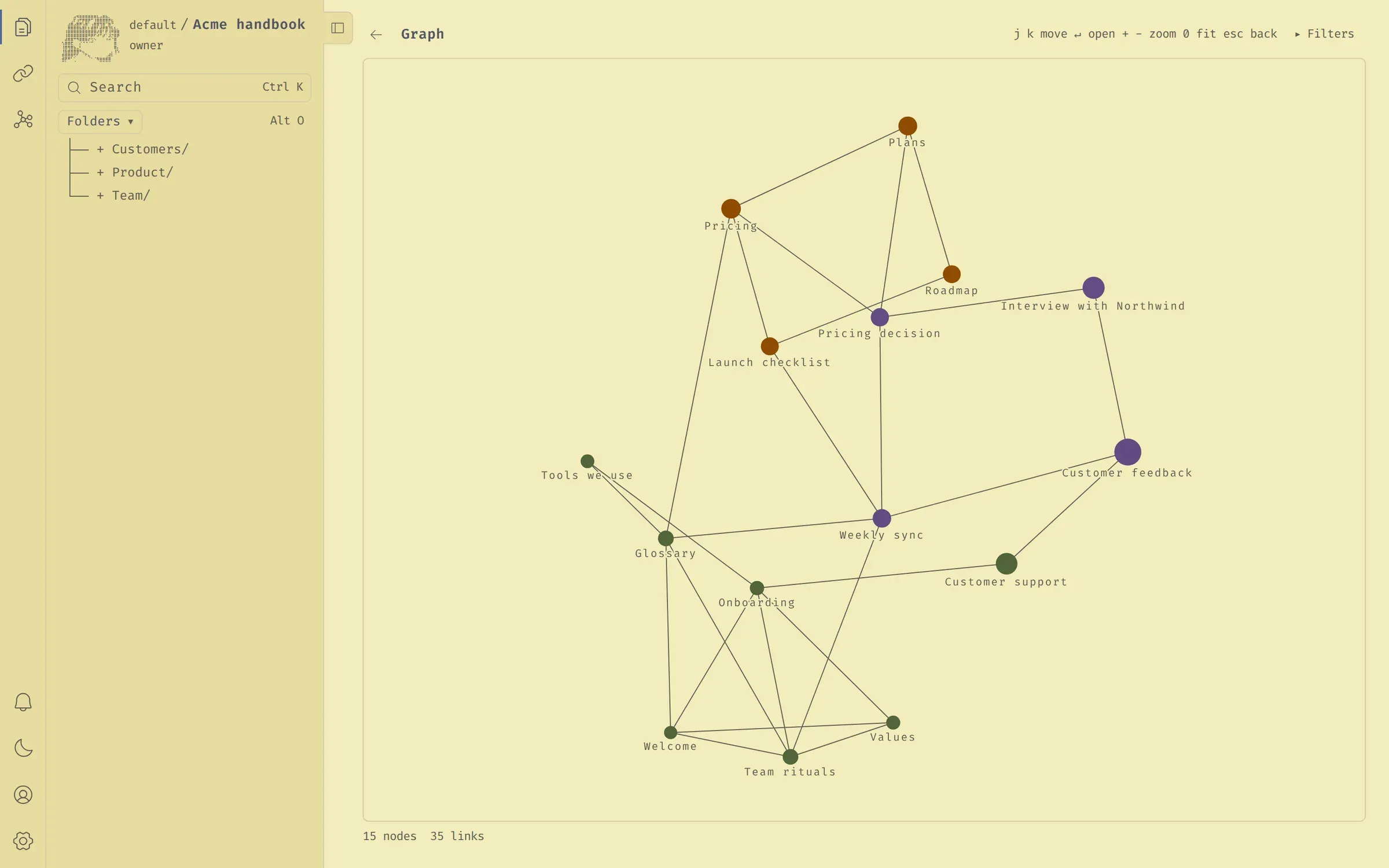
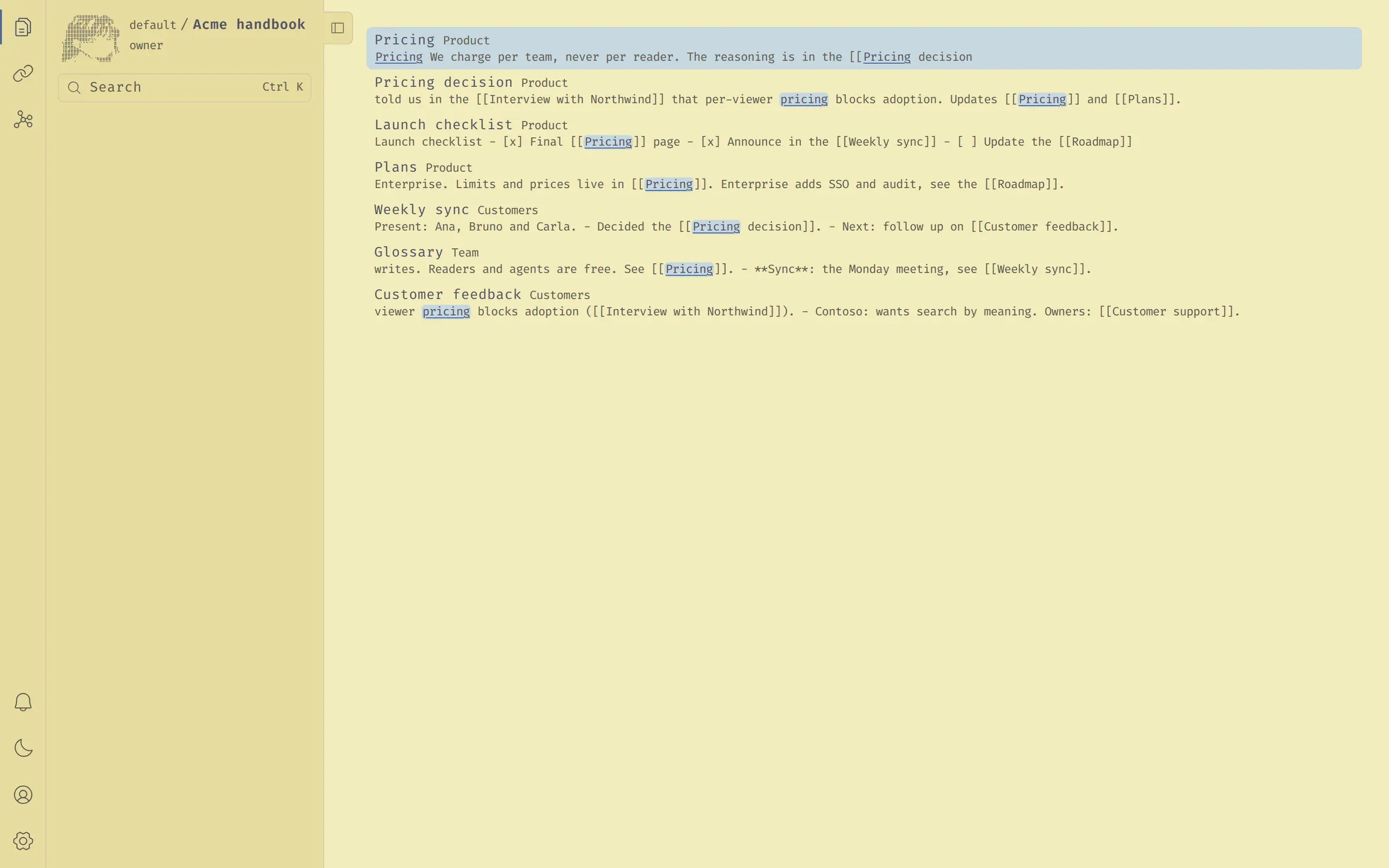
Write and read notes side by side, search by meaning, and explore the graph and the communities the server found.
Source on GitHub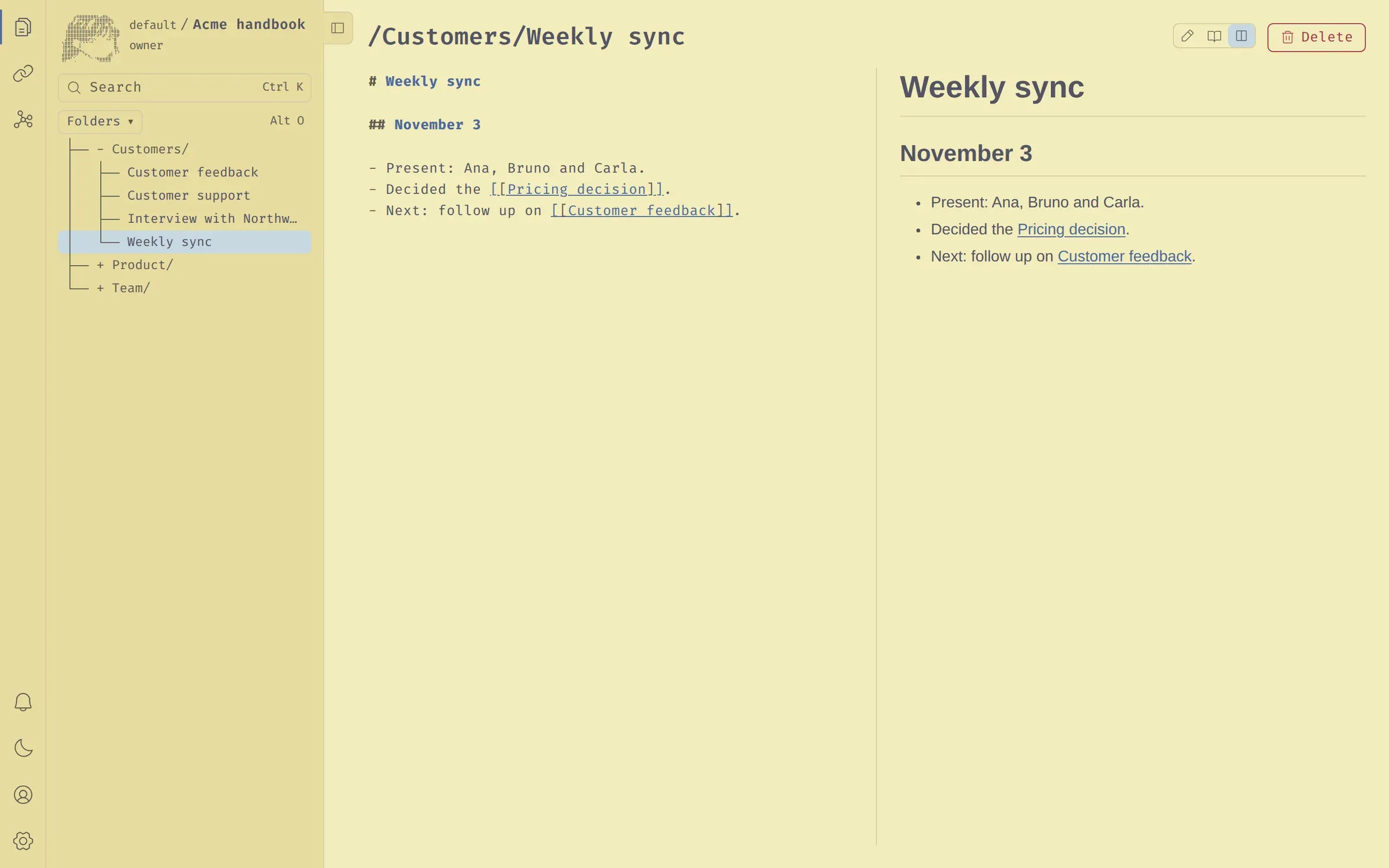
Write in plain markdown. markupp links, groups and indexes every note on the server, so you and your AI agents find what you mean, not only what you typed.
Self-host in one command
$ docker compose up

markupp · free for one person
The Great Wave off Kanagawa, Thirty-six Views of Mount Fuji, c. 1831Katsushika Hokusai, public domain
product/pricing-decision.md
# Pricing decision

We charge per workspace, never per agent.
Readers and AI agents are always free.

- Pro at $8, Max at $39 per team
- Context: [[Customer interviews]]
- Owner sync: [[Weekly sync]]
The name
お任せYou bring the ingredients. We run the kitchen.


Why markupp
Most note apps make you the librarian. markupp moves that work to the server, so every client, human or agent, sees the same organized knowledge.
You write and save. The server indexes every note, links one to another and groups them by topic, without ever touching your content or your paths.
Finds the note about the subject even when your words are not in it, and shows the passage that matched.
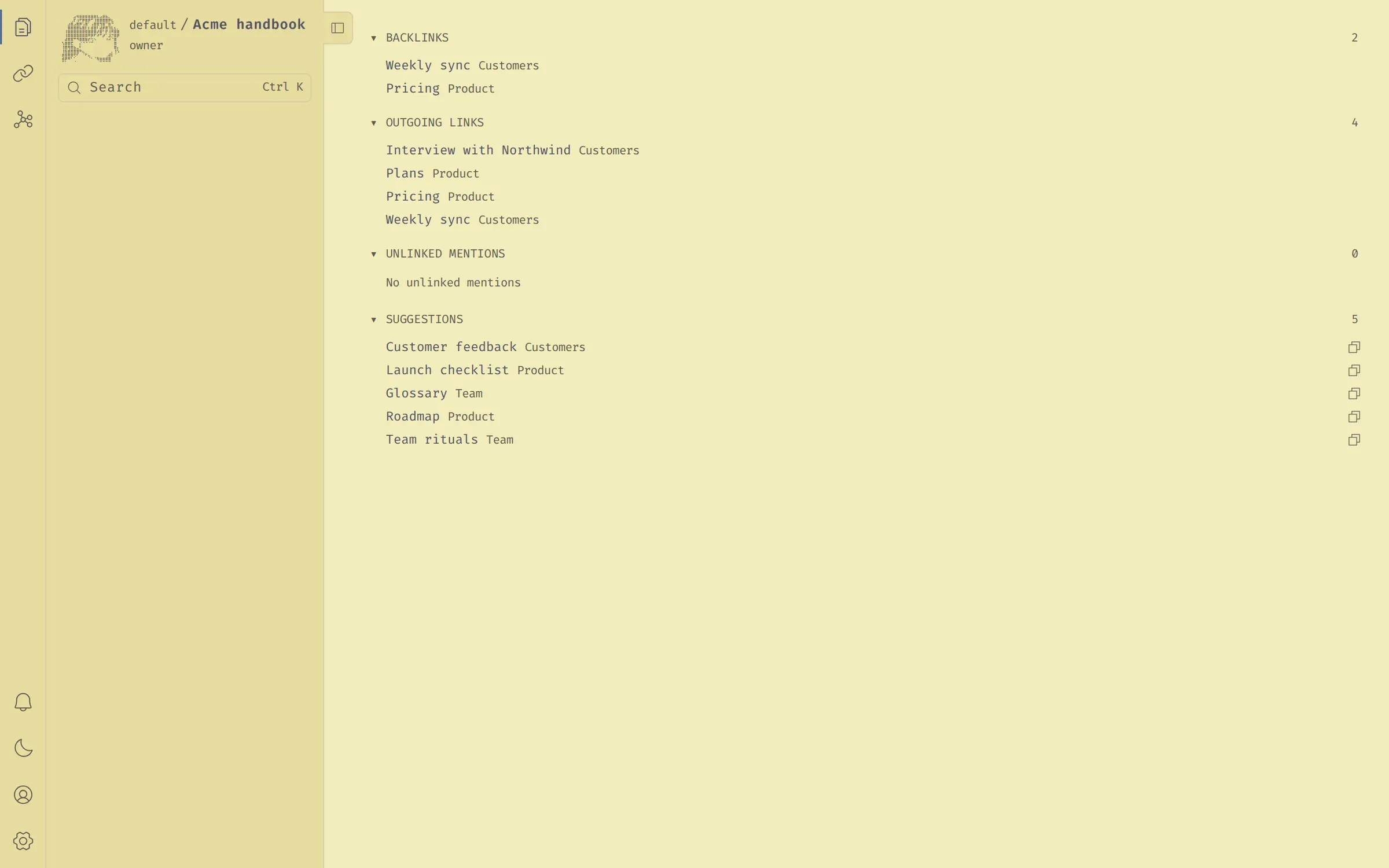
Wikilinks you write and links the server infers, grouped into communities you can explore instead of a folder tree.
Everything a person can do, an agent can do through the same interface. Connect Claude Code, Codex or Cursor over MCP with OAuth.
docker compose up and it runs on your hardware. Kubernetes ready, open source under AGPL v3.
Notes are plain .md files with your own paths. Take them to any editor, any time.

Ecosystem
The server does the organizing, so every client sees the same notes, links and communities. Use the web panel, your terminal, your editor or your AI agents, all against the same API.
browser
Write and read notes side by side, search by meaning, and explore the graph and the communities the server found.
Source on GitHubagents
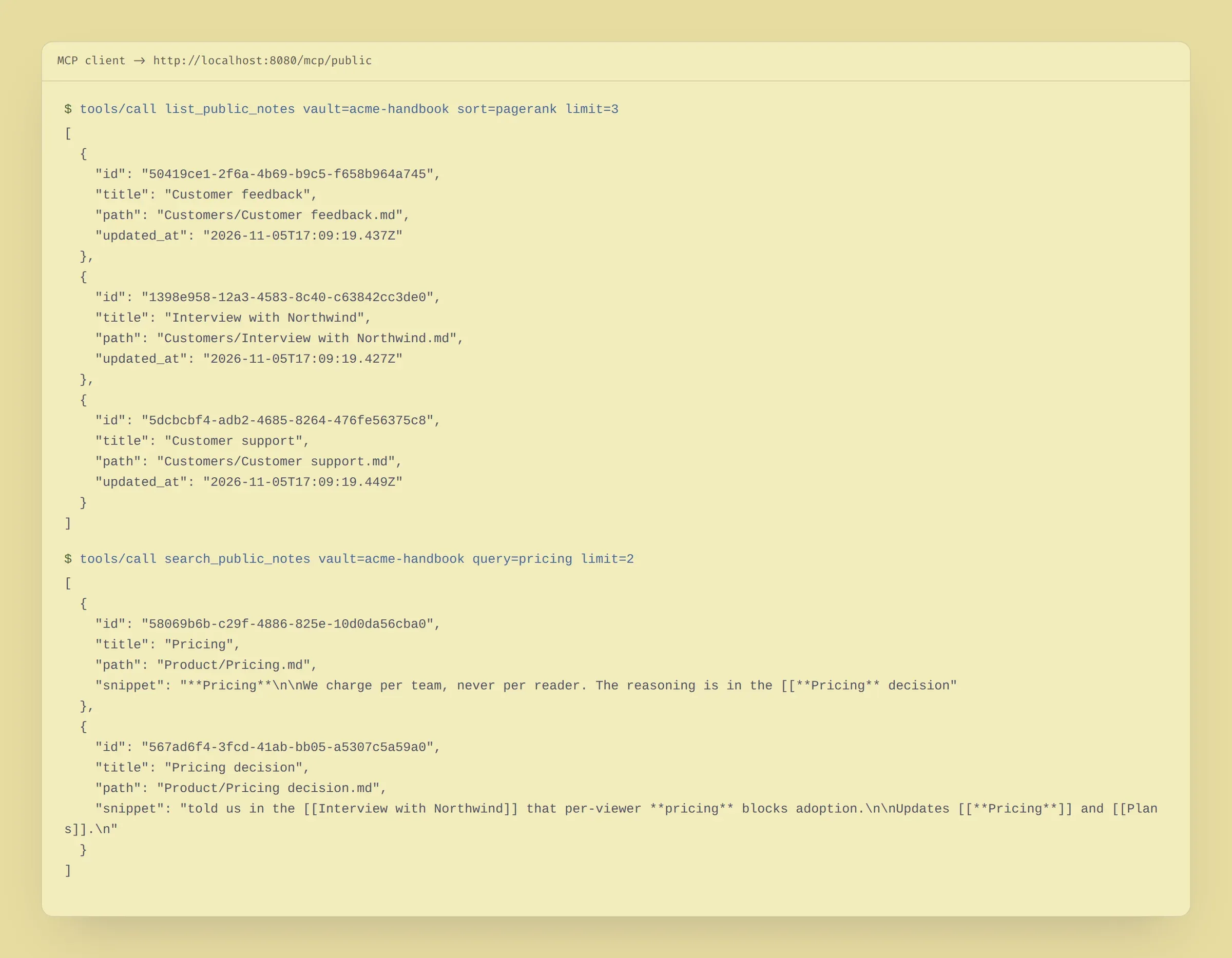
Connect Claude Code, Codex, Cursor or any MCP client with OAuth. Agents search, read and write notes with your permissions.
Source on GitHub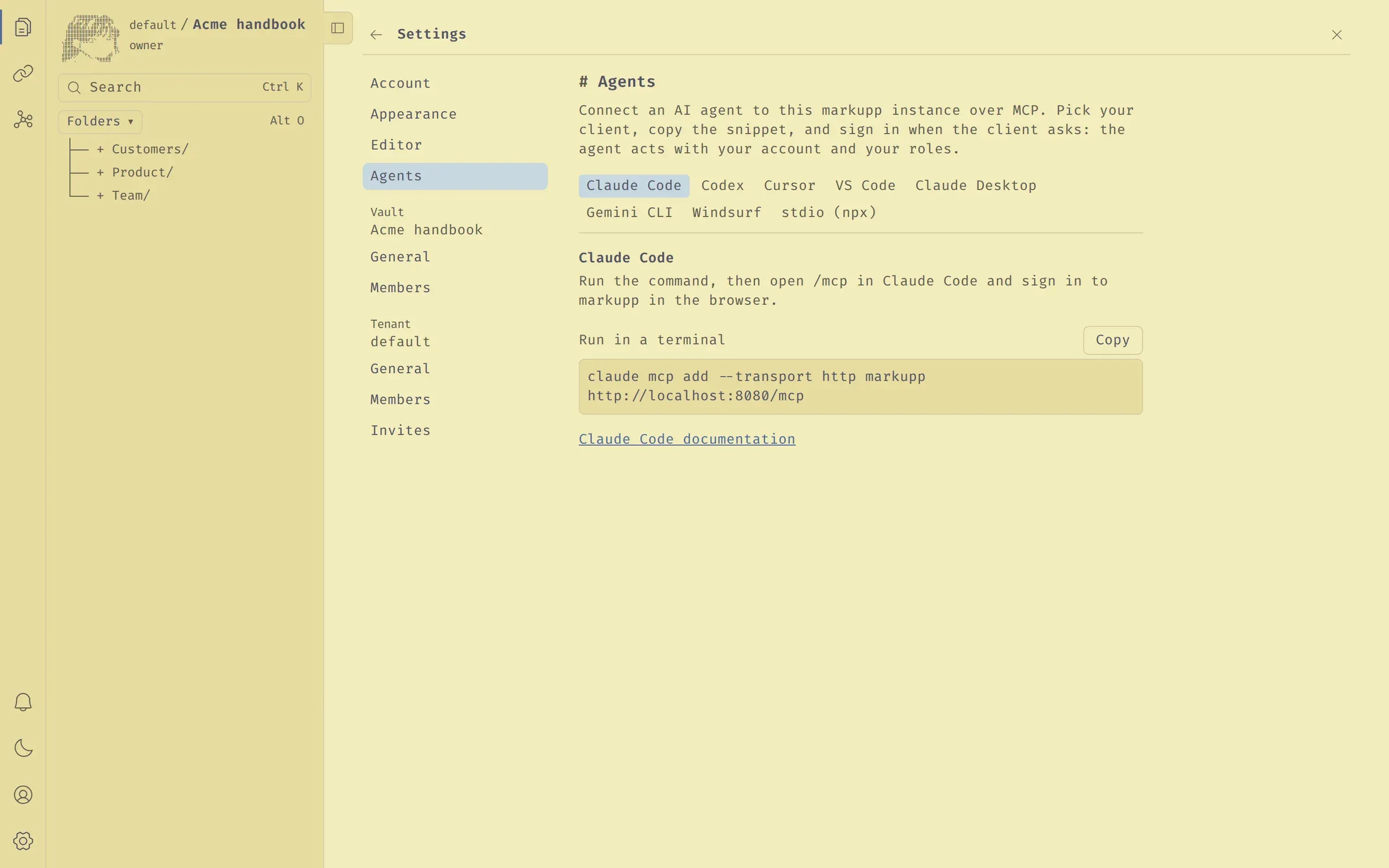
terminal
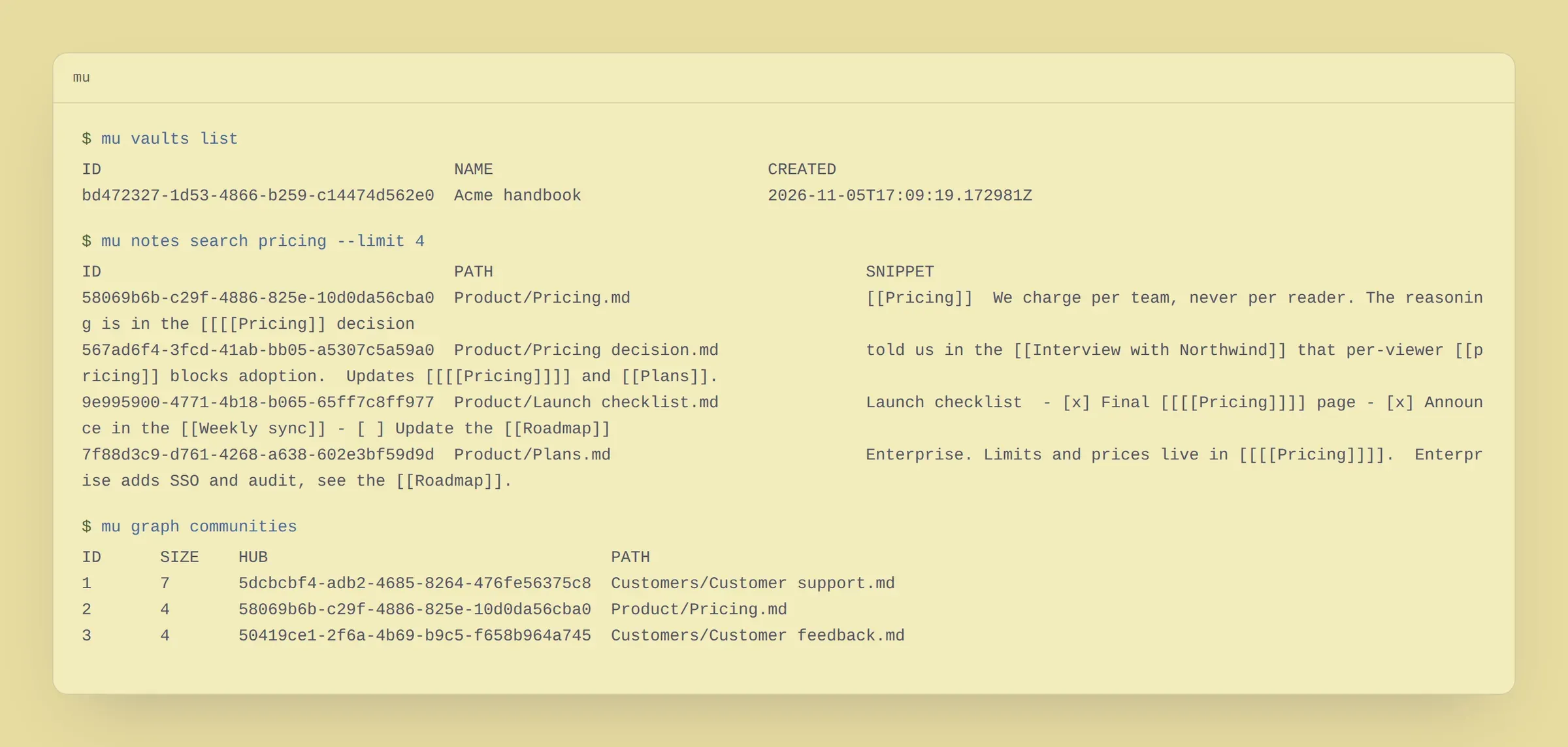
The command line client. A K9s-style TUI for people, and plain text, JSON or NDJSON subcommands for scripts and agents.
Source on GitHub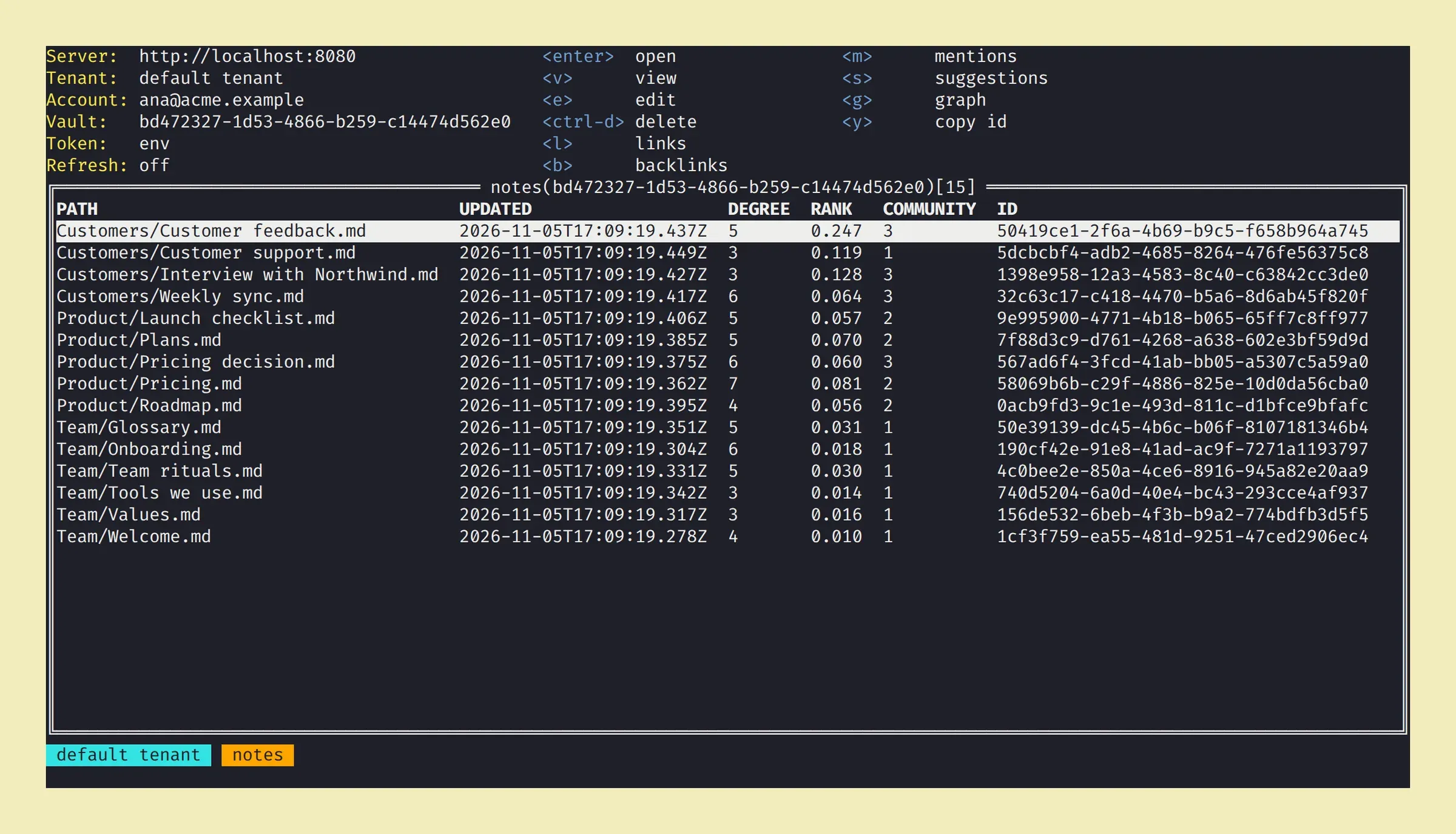
editor
Keep writing in Obsidian. Fetch, pull, push and sync your vault with the markupp server, with conflict detection.
Source on GitHub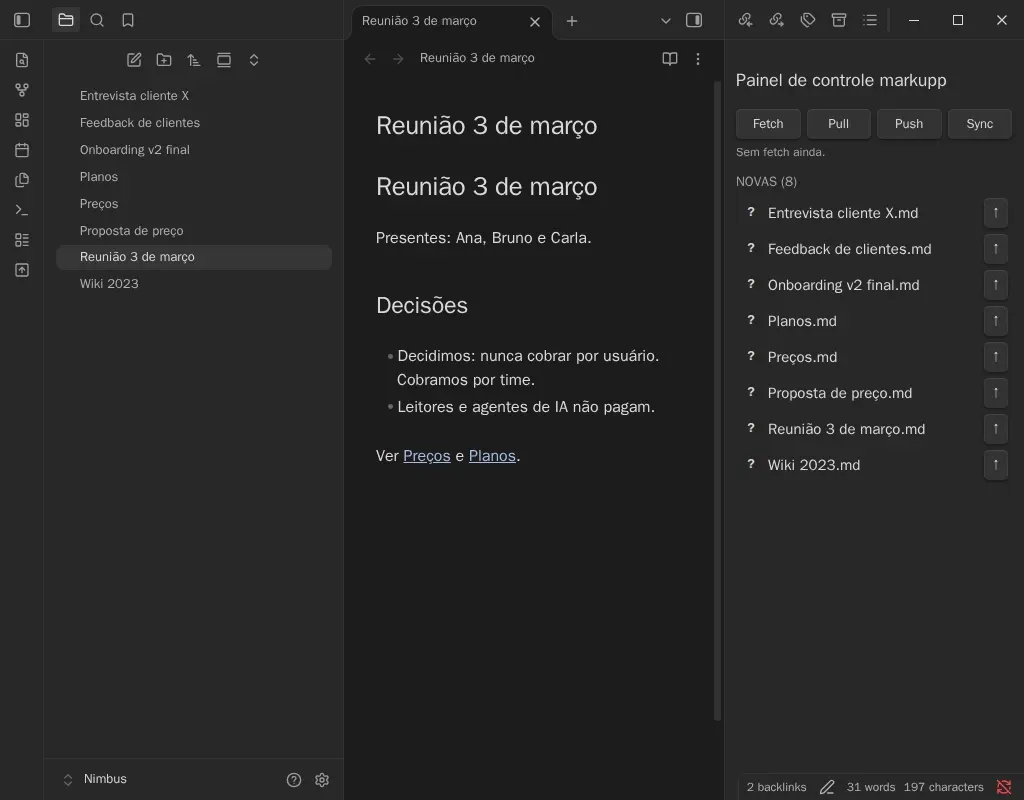

Agents via MCP
markupp is AI first. Any operation available to a person is available to an agent through the same interface, so your coding assistant can look up a decision before it writes code and record a new one after.
$ claude mcp add --transport http markupp https://markupp.k8s.sj.ifsc.edu.br/mcp
Added HTTP MCP server markupp.
> What did we decide about pricing for agents?
search_notes(query: "pricing for agents")
read_note("product/pricing-decision.md")
You charge per workspace and never per agent: readers and AI agents are always free. Source: [[Pricing decision]]

# clone and run the whole stack
$ git clone https://github.com/markupp-labs/markupp
$ cd markupp
$ docker compose up
server on localhost:8080, panel on localhost:3000
Self-host
Use our cloud or run markupp on your own infrastructure. Same features, same agents, same markdown.
Start now
Start free in the cloud, or self-host it today. Your notes stay plain markdown either way.
